This post is part of the Red Hat Platform series. If you want the full picture of what we’re building toward, start there.
Here we’re focused on continuous deployment using OpenShift GitOps, which is Red Hat’s supported distribution of ArgoCD.
GitOps
This post is really about continuous deployments of our sample Brix Pizza application. In a previous post we build a CI/CD pipeline that built our container image automatically after we made changes to the source code and committed it to git. In this case we want to get our application deployed to our Kubernetes cluster.
With Kubernetes based applications you’re probably used to running kubectl apply -f [manifest_name] and on OpenShift oc apply -f [manifest_name]. These use an imperative command to deploy a desired state config. In a GitOps model, you use a tool like ArgoCD to watch a remote repository full of desired state configs, and make sure that desired state is applied to your cluster. In some ways we can think of GitOps as replacing the need for humans to run the oc apply commands themselves. But the real value is that it makes sure that the running version of your apps are always up to date with your deployment configurations.
This lets us manage our infrastructure through git commits. And when you do this you get the benefits of all the rest of a git workflow including requiring approvals, auditing and tracking, multiple versions in branches, and overall better control.
OpenShift GitOps
OpenShift GitOps is based on the open-source project ArgoCD. It can be deployed through an Operator similarly to the other applications discussed in this series and again the value of the platform shows through making this a simple install.
Select the Operator from the catalog of operators and deploy it to your Kubernetes cluster.
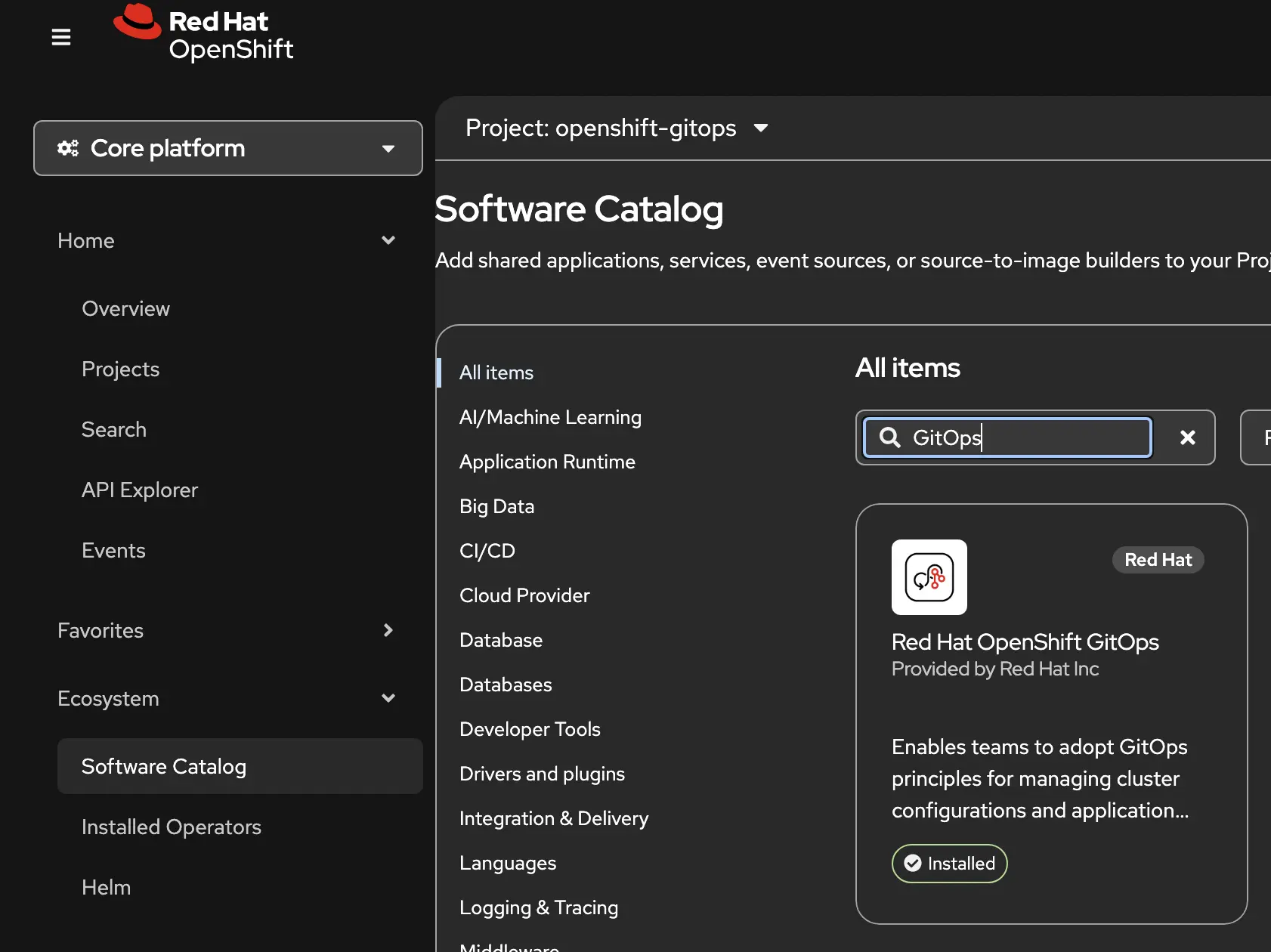
After it’s installed it will show up in your list of installed operators. You can always uninstall it from here later if you want.
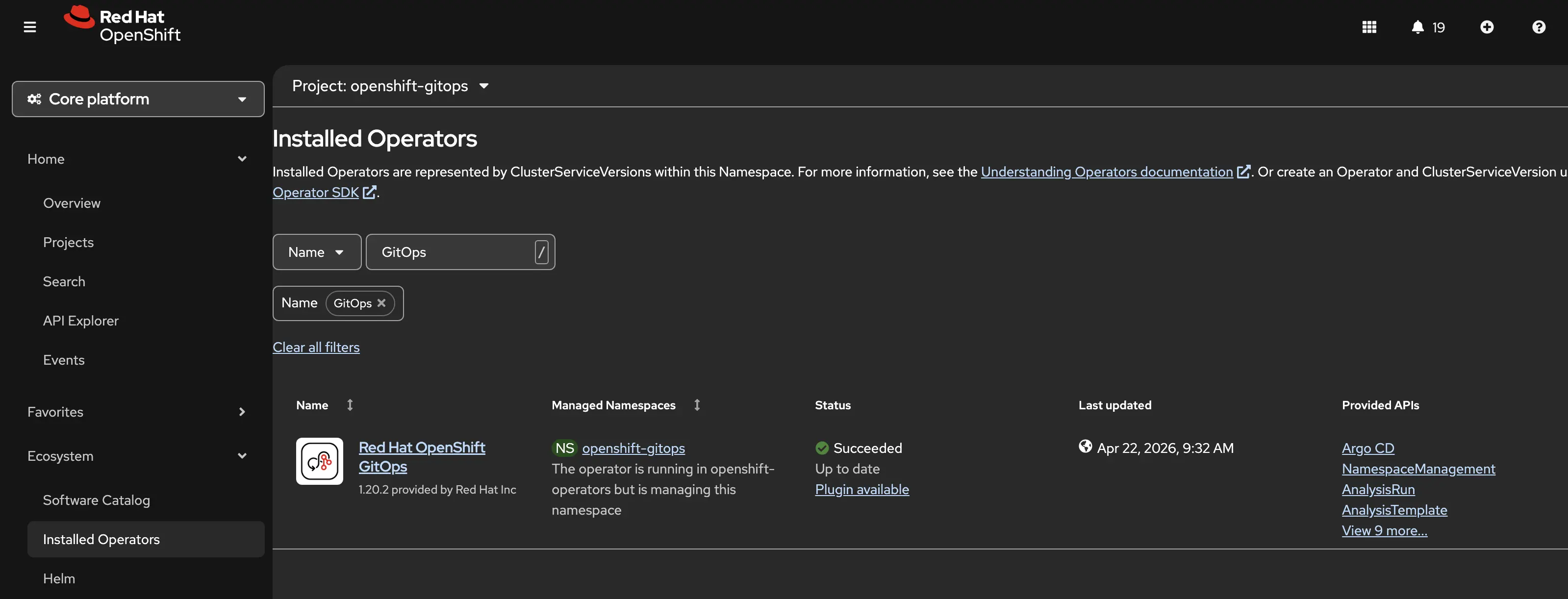
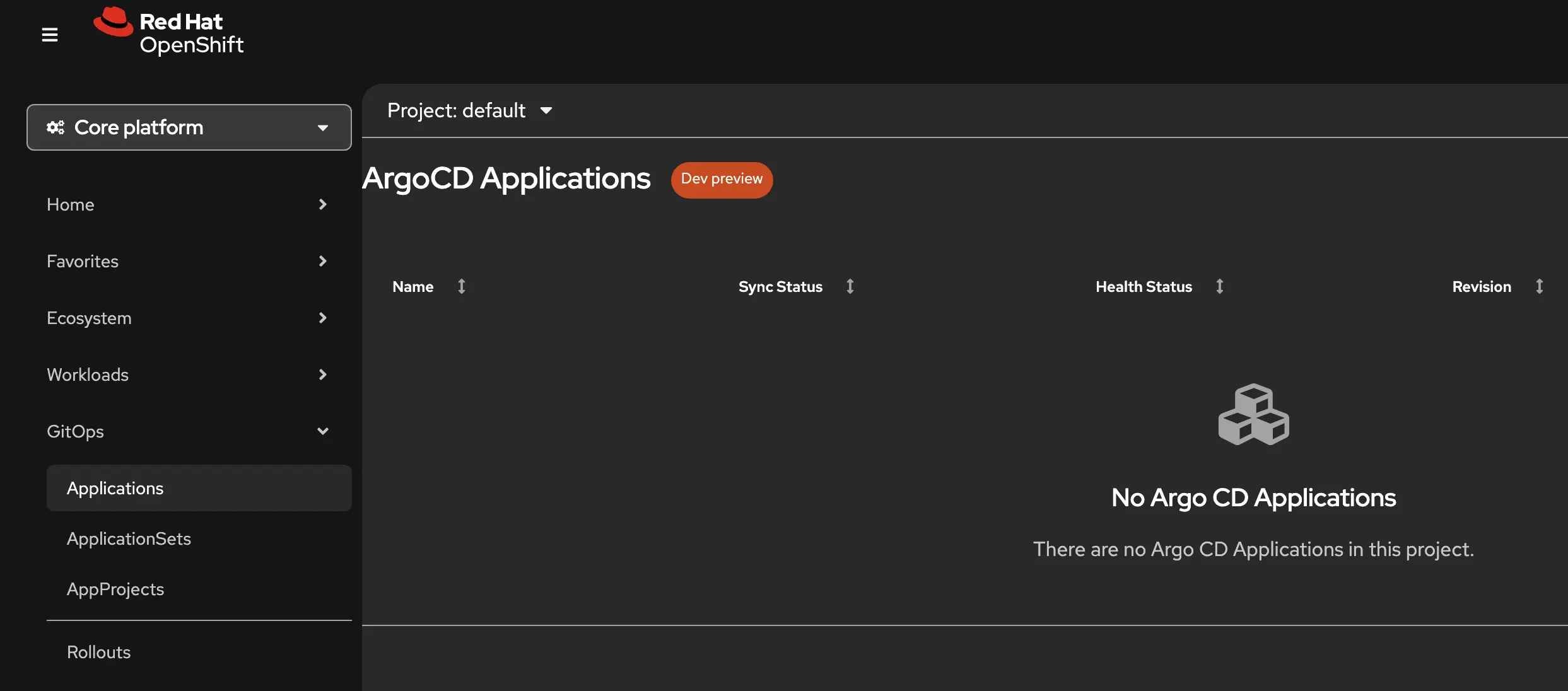
When you’re done with the installation, you can enable the console plugin so you have a UI in the OpenShift Console.
Deploying Brix Pizza App
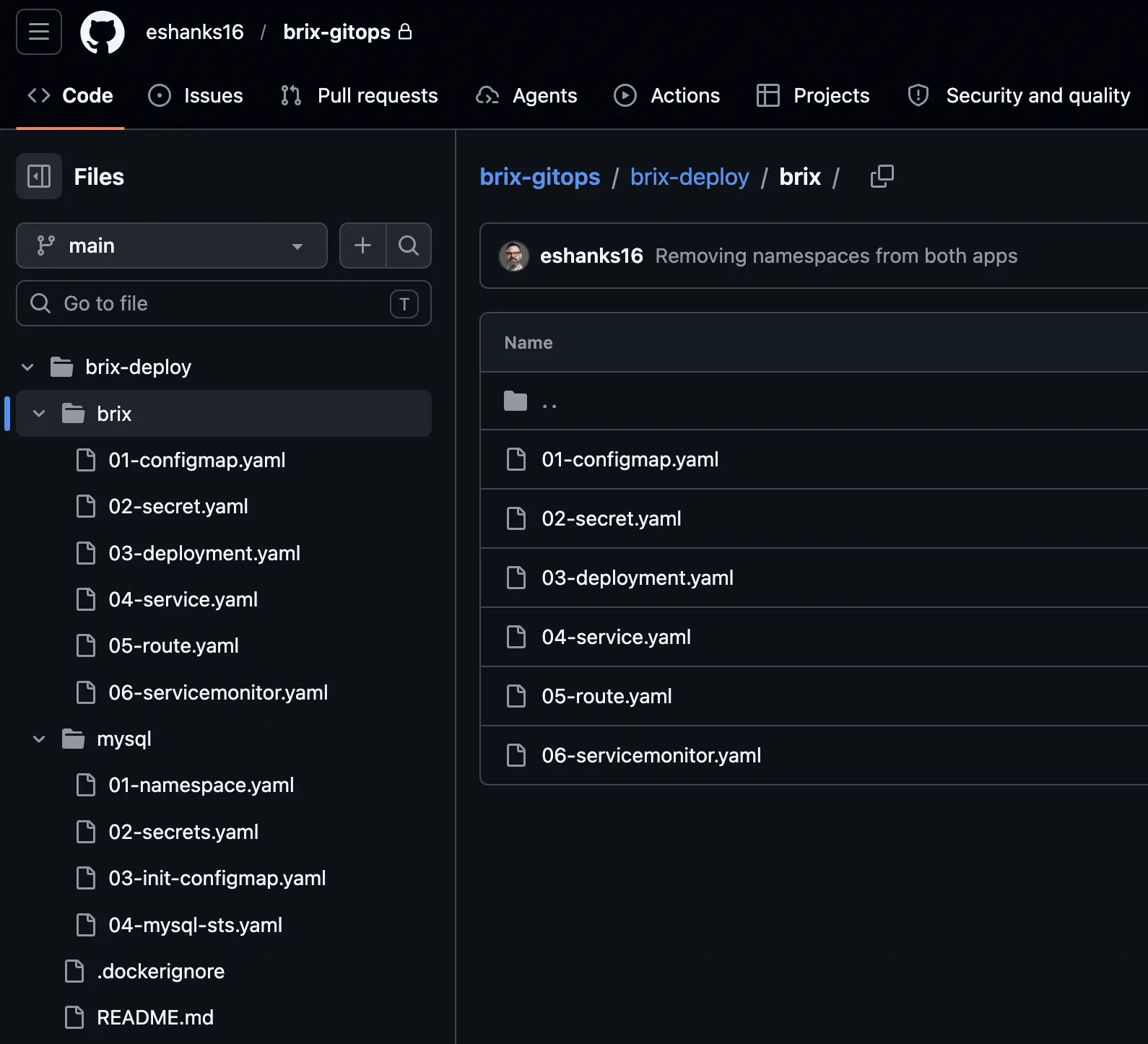
Now that our GitOps tool is deployed we can use it to ensure our Brix Pizza app is deployed. In preparation for this, I built out the Kubernetes deployment manifests I’d use to deploy the Brix app in my environment. I created manifests for both a mysql app for the database, and the frontend Brix Pizza webserver. It includes namespaces, configmap, services, deployments, statefulsets, and routes. Everything I’d use to deploy my app reliably. These manifests are stored in a Git Repository.
Now we need to configure OpenShift GitOps to watch this directory and deploy our applications. From the GitOps UI in the OpenShift console, we can click the button to “Create Application.”
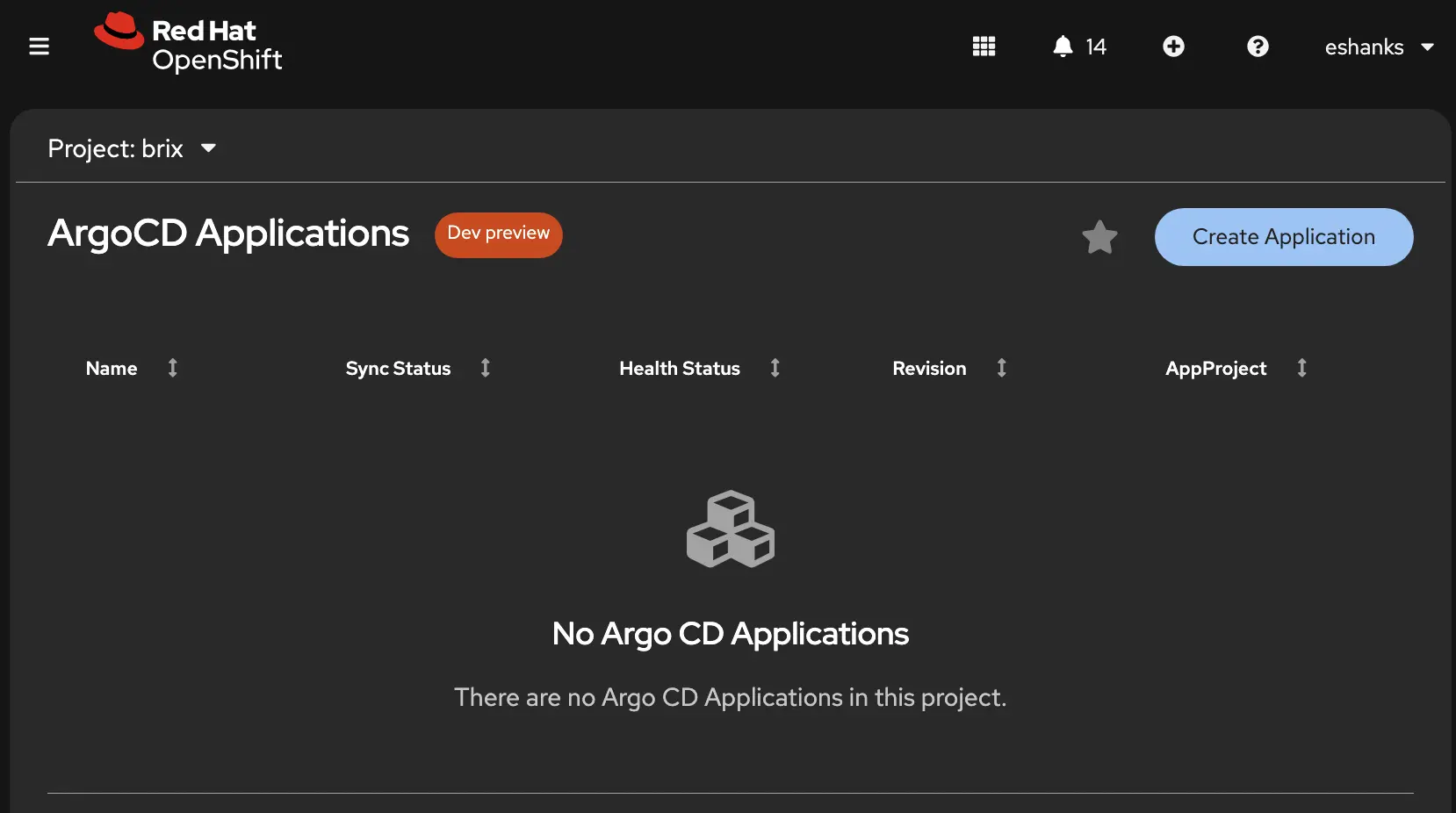
When you do this, it opens an editor to create a YAML manifest for deployments. The Editor lets you build your YAML, and on the right side there is help that shows you exactly what details in the schema need to be created and how. When you’re done, save the config.
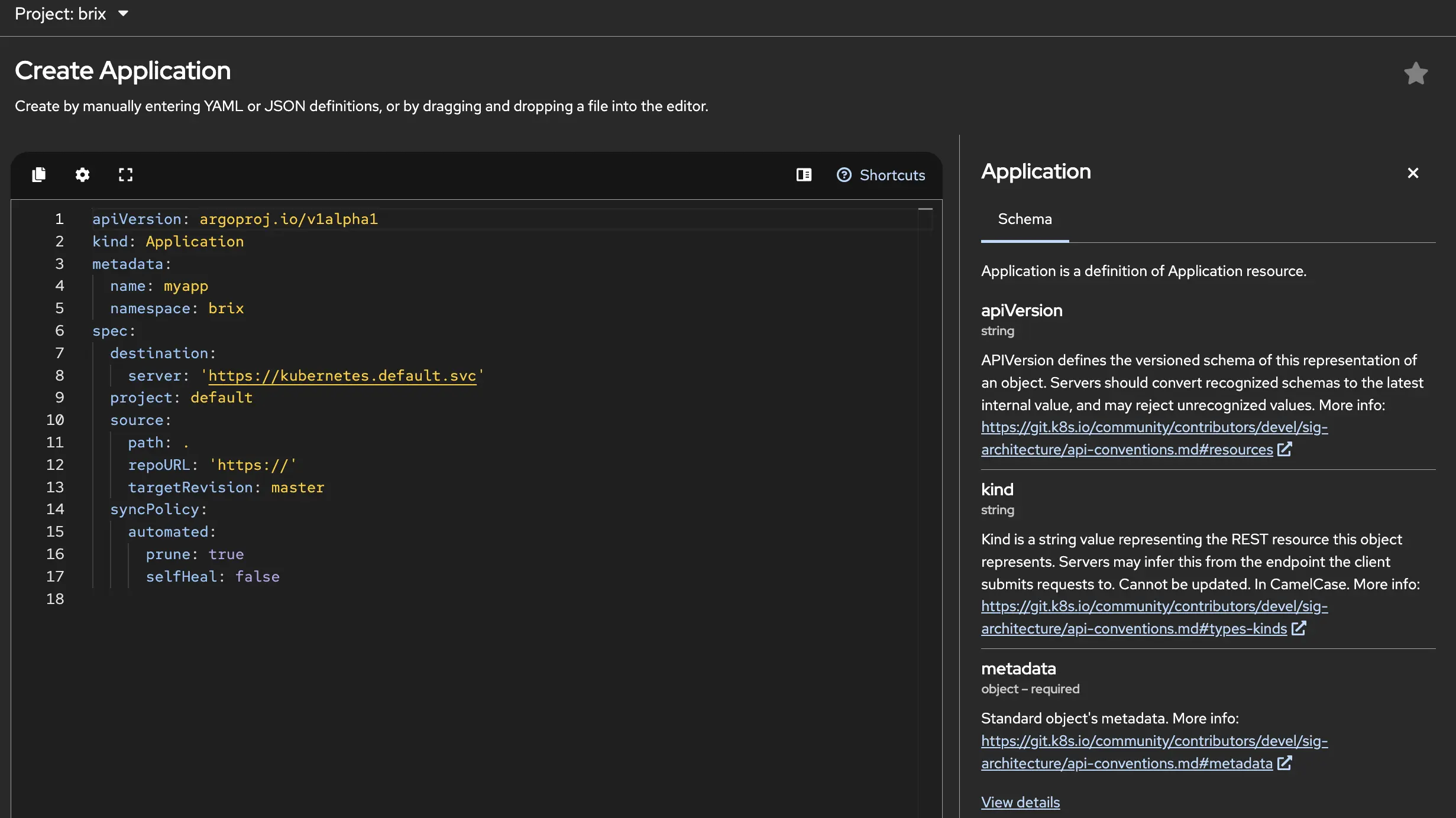
For reference, here are my YAML configs for both the web server and the mysql database.
apiVersion: argoproj.io/v1alpha1
kind: Application
metadata:
  name: brix-app
  namespace: openshift-gitops
spec:
  destination:
    namespace: brix
    server: 'https://kubernetes.default.svc'
  project: default
  source:
    path: brix-deploy/brix
    repoURL: '[email protected]:eshanks16/brix-gitops.git'
    targetRevision: main
  syncPolicy:
    automated:
      prune: true
      selfHeal: true
apiVersion: argoproj.io/v1alpha1
kind: Application
metadata:
  name: brix-mysql
  namespace: openshift-gitops
spec:
  project: default
  source:
    repoURL: [email protected]:eshanks16/brix-gitops.git
    targetRevision: main
    path: brix-deploy/mysql
  destination:
    server: https://kubernetes.default.svc
    namespace: brix
  syncPolicy:
    automated:
      prune: true
      selfHeal: true
Without getting into too much detail of the YAML shown above, you’ll see I’m watching a repo, a branch, and the destination is the local kubernetes API of my OpenShift cluster.
`repoURL` : `[email protected]:eshanks16/brix-gitops.git`
`targetRevision` : `main` #BRANCH
`path` : `brix-deploy/mysql` #Folder
`server` : `https://kubernetes.default.svc` #Kubernetes API
After applying, OpenShift GitOps will read the repo and deploy. When all the objects are deployed successfully you should see the apps in a “Synced” status meaning that the git repo matches your deployment reality.
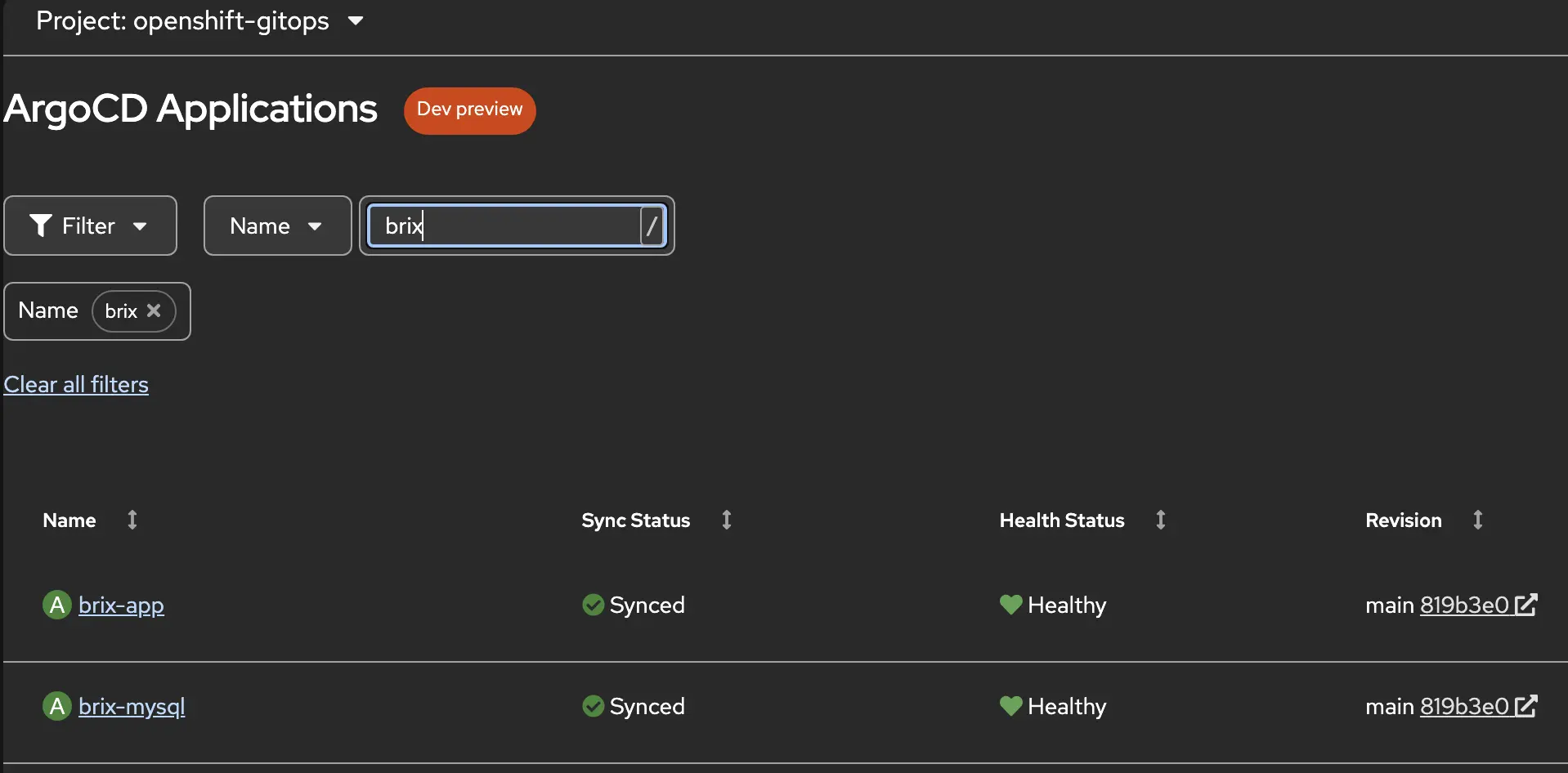
If you want to review details you can drill down into the apps created in gitops to see if they’re synced and additional details. A good troubleshooting tool and my favorite view is the resources tab.
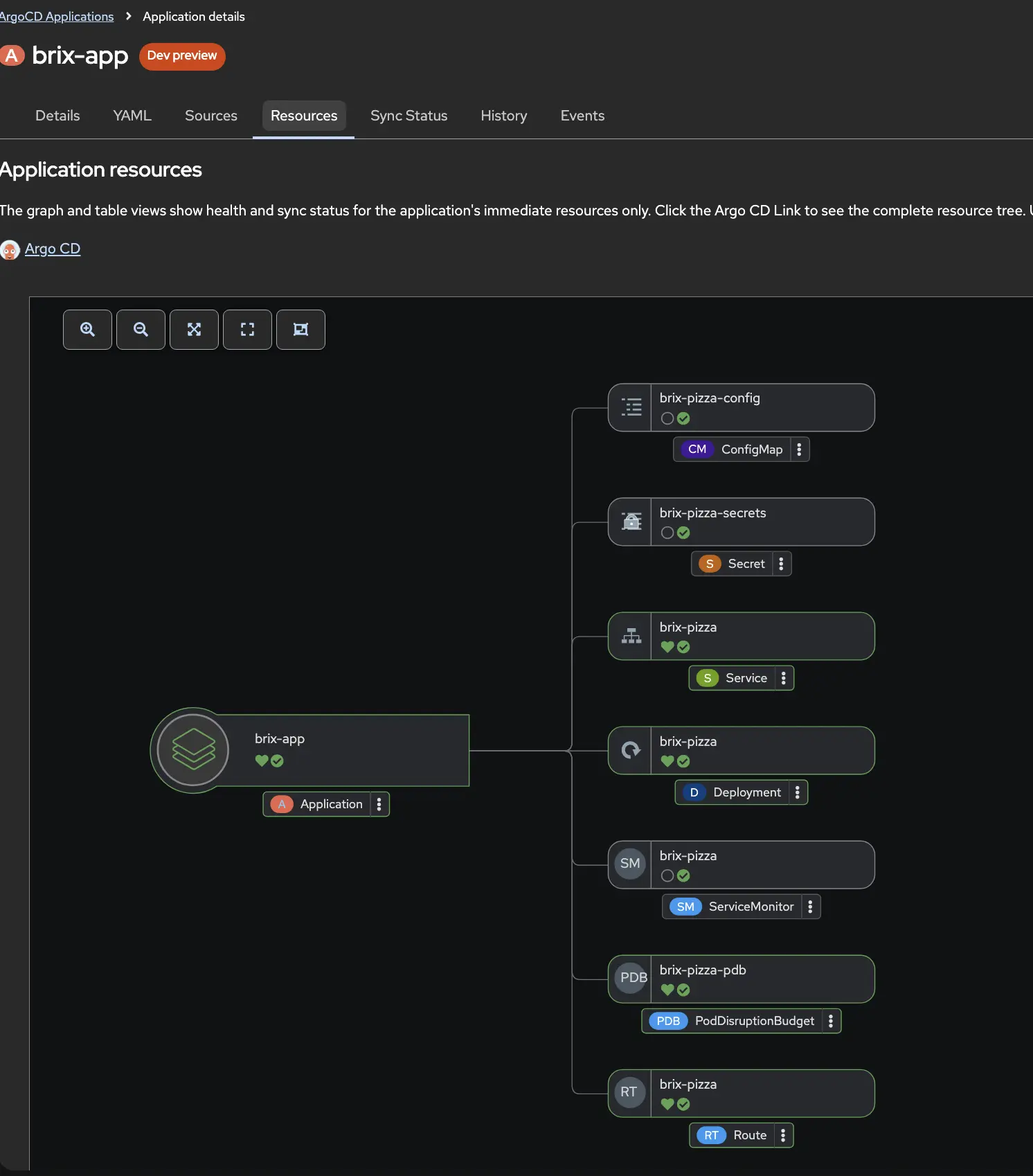
Here you can see which objects are not in sync and details about what resources might have failed to deploy.
Of course, this is built on ArgoCD, If you want to bypass the OpenShift Console altogether, you could go directly to Argo’s UI.
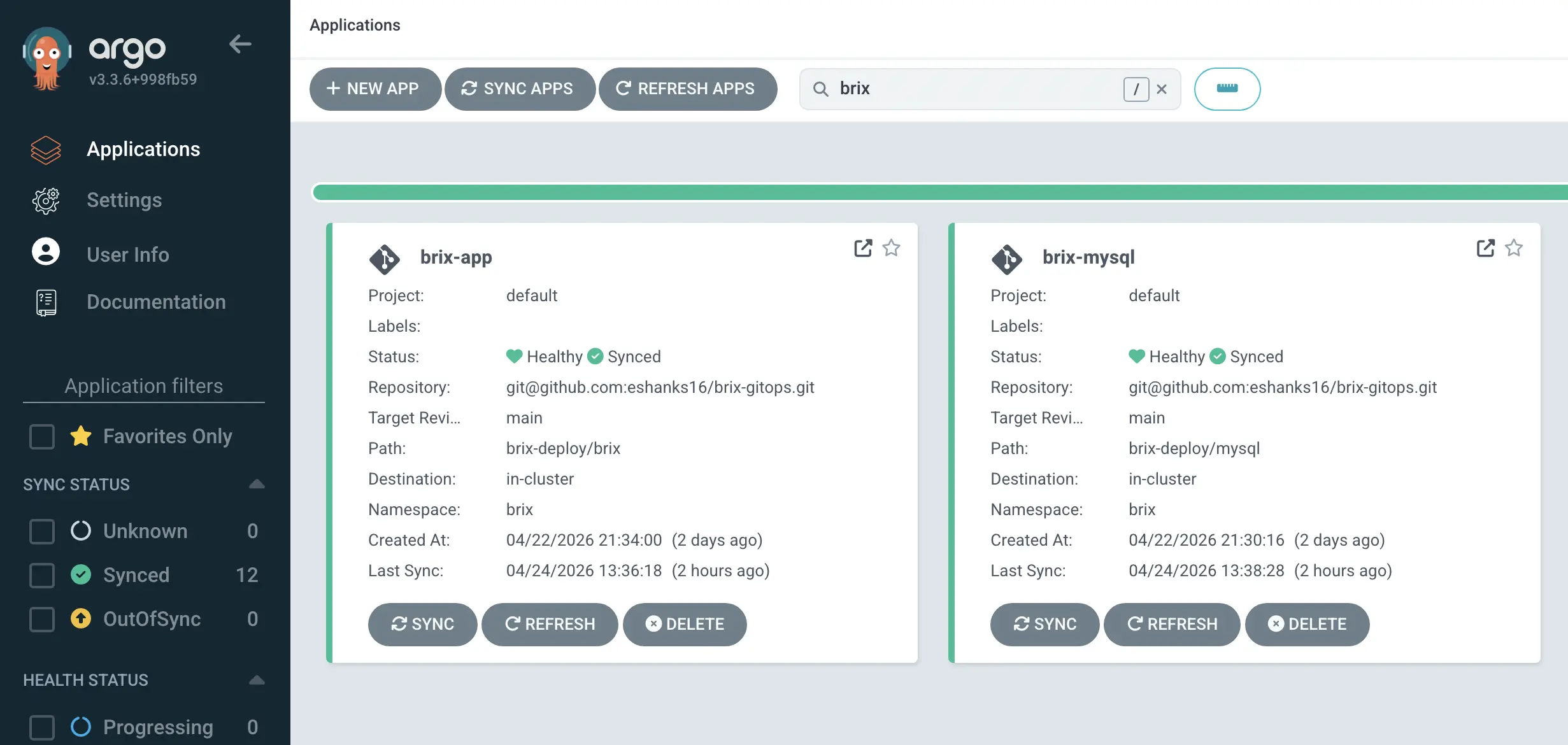
The Results
At this point the Brix Pizza app is running on OpenShift and the deployment is fully automated.

The Pipelines post covered how a code commit triggers a build and pushes a new container image. This post covers what happens next - GitOps picks up the updated manifests and makes sure the cluster reflects what’s in Git. Nobody ran oc apply. Nobody SSHed into anything. The cluster just does what the repo says.
That’s the value of having both pieces on the same platform. CI and CD aren’t separate systems you have to wire together yourself. They’re both Operators running on the same OpenShift cluster, sharing the same authentication and the same console. The pipeline hands off to GitOps and the whole thing just works.
The Red Hat Platform series keeps building on this foundation. Next up is virtualization, AI workloads, and developer tooling, all running on the same cluster, all managed the same way.