This year I’ve totally revamped my home lab to focus on Red Hat technologies. I joined Red Hat in November of 2025 as a Solutions Architect and now its time to dust off my lab for some blogs related to my new endeavor. I’ve repurposed some old hardware, and bought a little bit more so that I can focus more on the OpenShift platform. I’m tracking those post in this series if you care to follow along. But this post focuses on the home lab running in the basement of my house.
Rack
The rack is homemade. Many years ago I built and painted my own rack in my basement. It’s not very expensive, or a fancy data center rack, but it works well for my purposes. It’s just some 2x4 pieces of wood and some plywood, but I painted it to match my blog colors … ya know… branding. On the bottom I did mount some casters so that I could move the entire rack. My basement floor is concrete so as long as I have power running to my rack with a long enough cord, I can move my rack around if I need to. With proper UPS’s I can even move the rack to the other side of the room and re-plug it in before the UPS’s run out of battery.
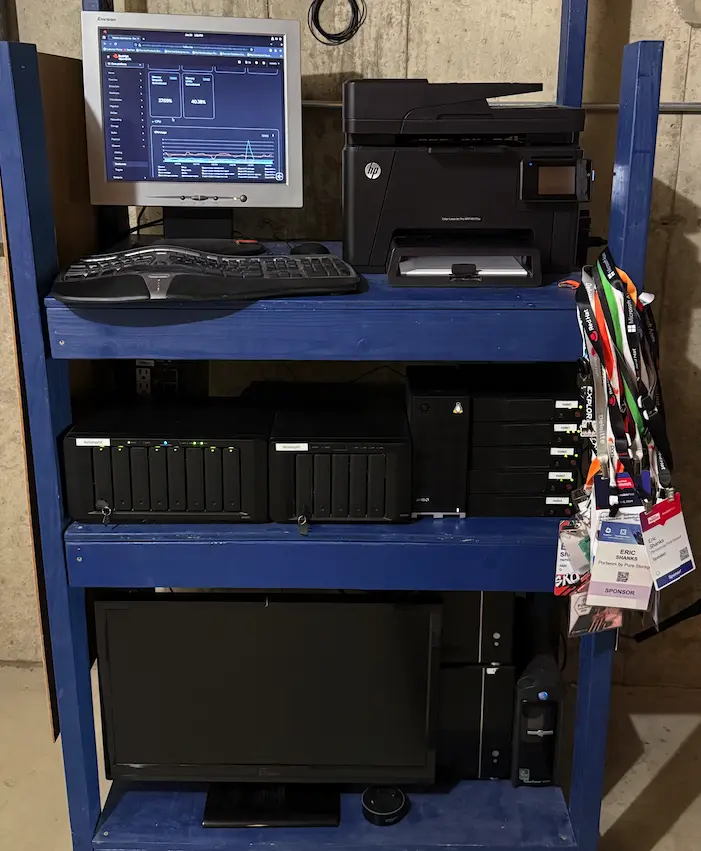
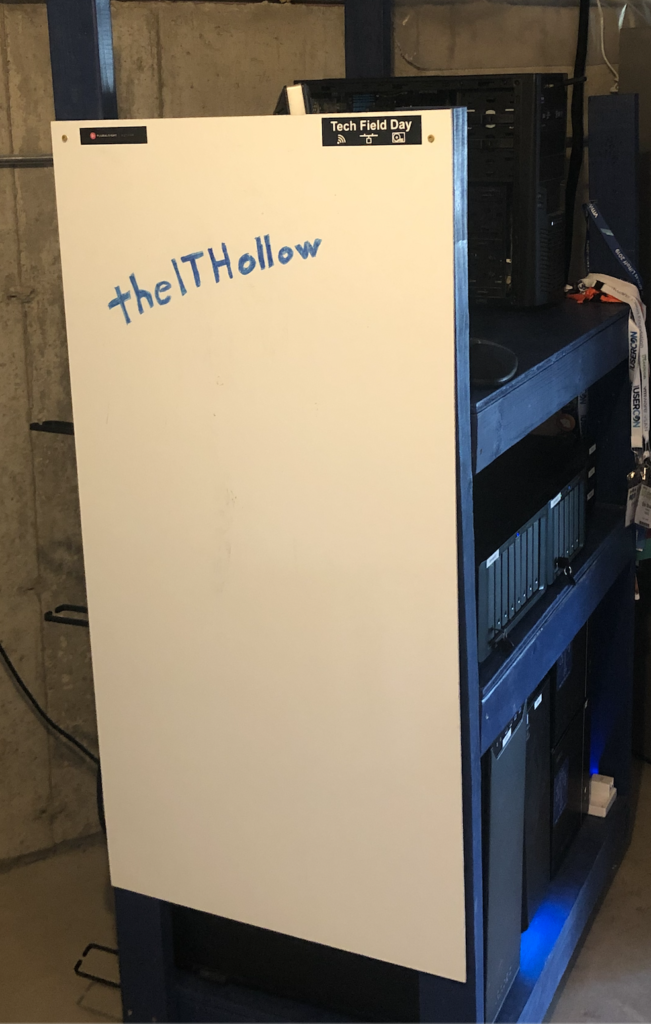
On the side, I wanted something to cover the side of the rack so it hid cabling and things, so I mounted a cheap white board to the end. It’s very handy to have a whiteboard on the side of your lab when you’re re-configuring switch ports or working out VLANs and things. This was one of my better ideas.
If I had unlimited funds, I’d love to have a fancy server cabinet with 19-inch rack standards with slide out servers, or some blade chassis, but realistically my servers are going to be more consumer grade equipment. My goal is to learn new things and teach through my blog; not run enterprise applications at scale. So since my servers aren’t a standard side, I needed shelves to sit things on. It works for servers, storage, network, and gives me a worspace on top to takeout screws, and hold gear for a bit. Its a combination workbench, switch cabines, and server rack, all in one.
Power
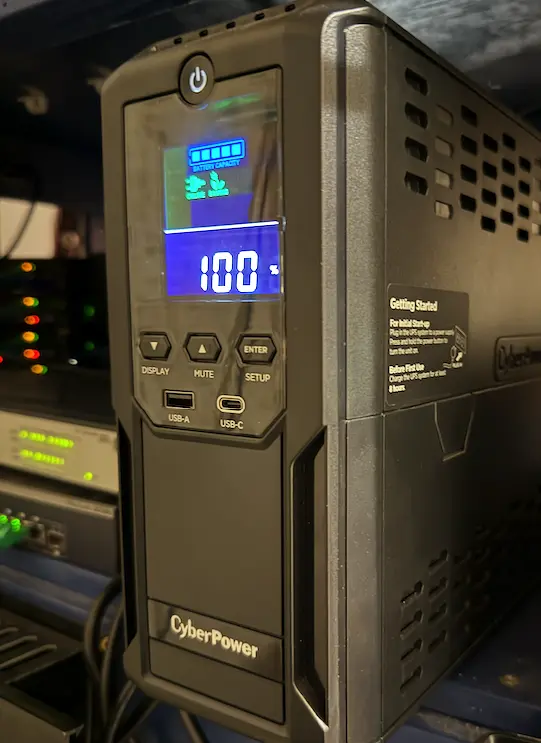
I have a pair of UPSs powering my lab. I didn’t do that on purpose, my lab grew over time and depending on what deal was happening at the time, I bought that UPS. So I’m running:
Last year I also had solar panels installed on my roof for my house. The lab makes up a significant percentage of my electric bill and I wanted to offset this the best I could. So I have 25 450PMax panels sitting on my roof that at least taking care of my electricity needs during the sunlight hours.

Servers
As you’ve seen, I often pick parts based on what my immediate need is and what’s on sale. In a corporate setting I would carefully design a solution, pick the right components for the job and make it easy to operate. Somehow when its my own money I’m just trying to bolt on things to give me enough room to run my software stack. Servers are the one component I try to keep like hardware for. I mostly run a cluster (formerly vSphere), then Kubernetes and KubeVirt, and now OpenShift and OpenShift Virtualization. In those situations it’s really helpful to have the hardware match so you can setup the networks the same way, the CPUs match for things like live migrations, and for an evenly balanced cluster that doesn’t have different numbers of processors and memory. So I’ve got 5 SuperMicro E200-8D servers that are being used.
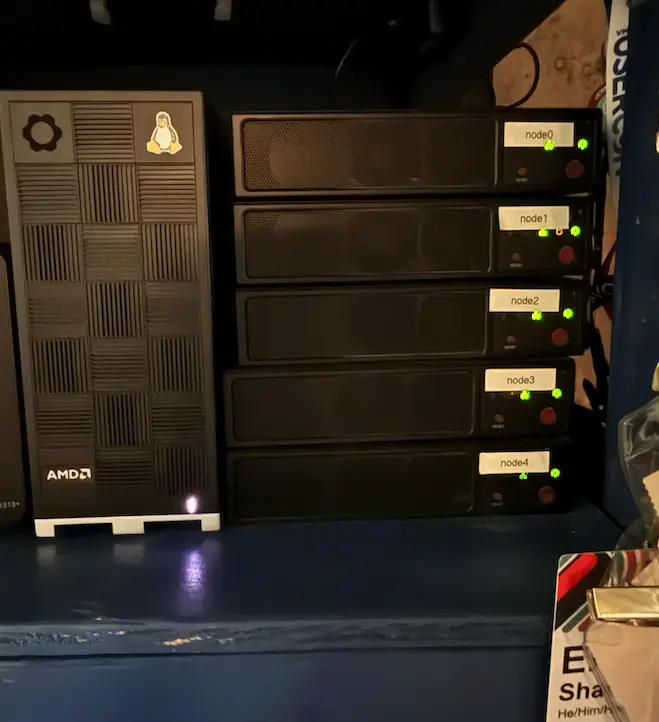
Each of the Supermicro servers have a Western Digital M2 NVMe drive and a 1 TB SSD. These disks are used with OpenShift Data Foundation (ODF) to provide a hyper-converged persistent storage layer across the servers.
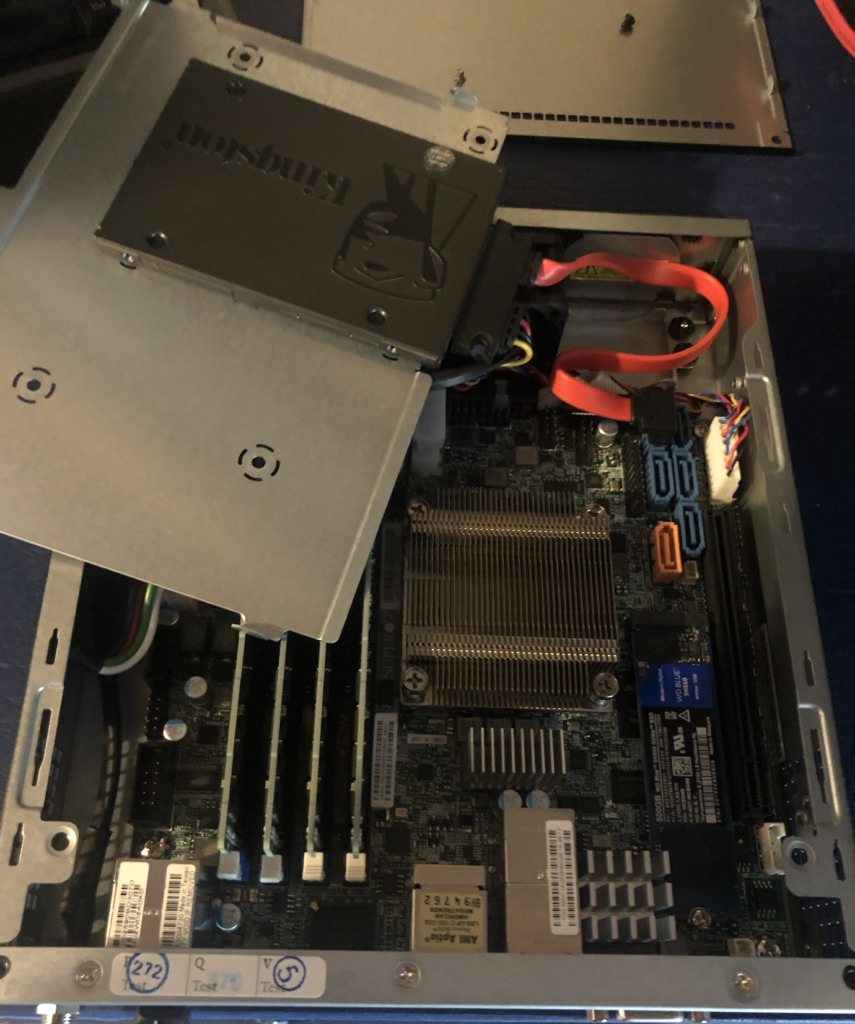
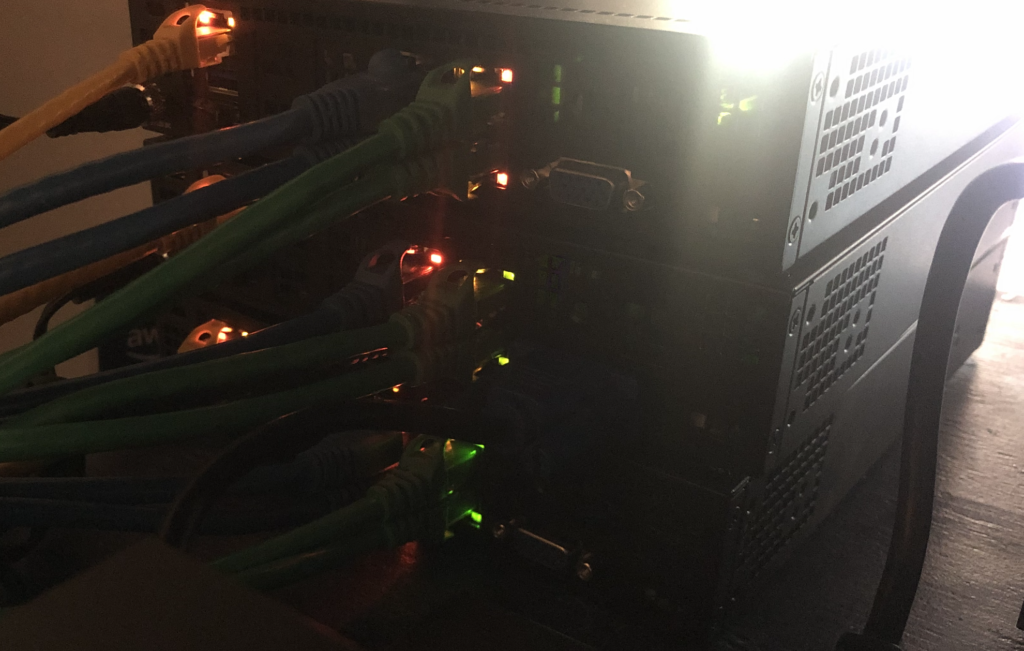
Each of the servers have an IMPI port so that I can remotely manage these devices. This is my favorite part of my lab. Not having to go to my basement and configure a server when I’m working on it is really handy. The servers each of 2 1GBE Nics and 2 10GBE nics which can be configured across my two switches.
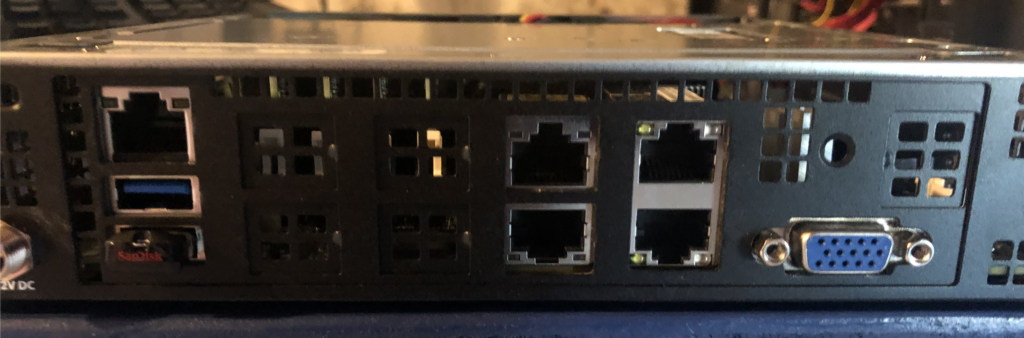
Recently I did buy a new Framework Desktop that included a Ryzen Max+ 395 processor and 128 GB of unified memory so that I might do some AI work. This machine only has a single Nic, a different processor, and no IMPI but it’s working out ok for now. This node does not participate in the ODF cluster though, and I try not to put non-AI workloads on this box to reserve its capacity.
Storage
For storage hardware, I have a pair of external storage devices that I can use over NFS, FTP, SMB, or iSCSI depending on what I’m doing.
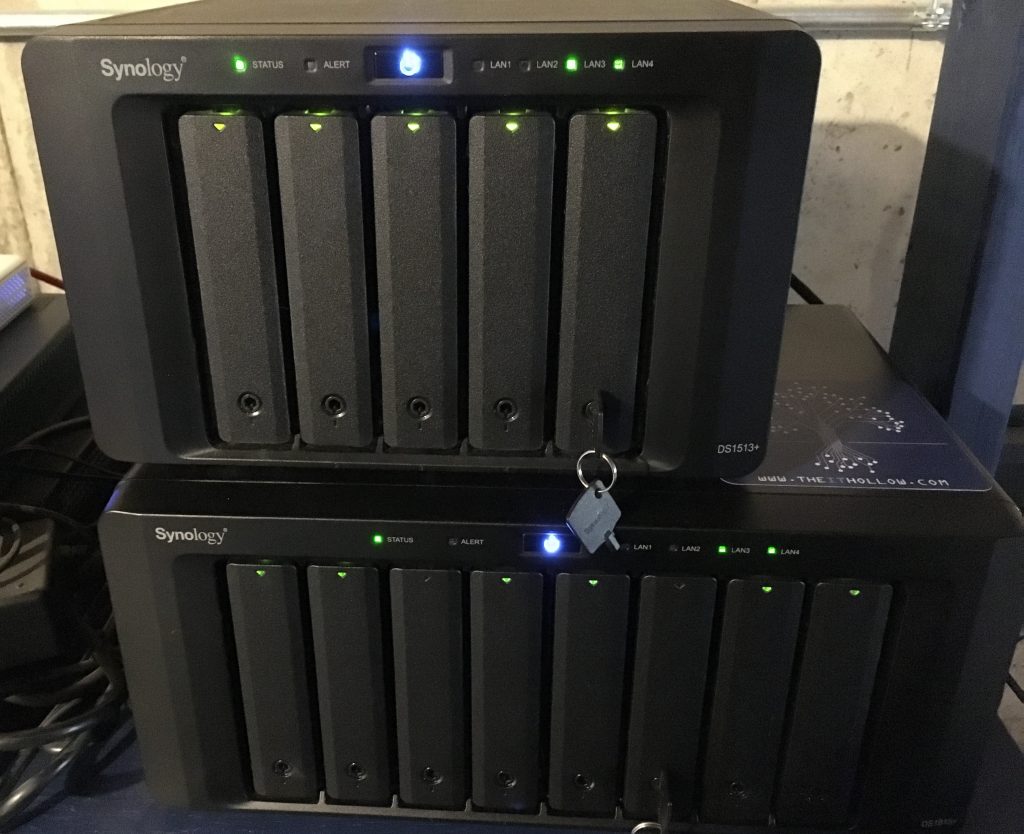
I have two Synology Arrays:
The Synology 1815+ is used for storing isos, qcow2 images, and acting as a shared NFS mountpoint for backups, and general file storage.
Currently the 1513+ plus if offline. I’m not using these arrays for primary storage, so I found I don’t need both of them running (creating heat, chewing up power, making noise) so I turned it off.
Networking
I’m a fan of the Ubiquiti stack and use it for my firewall, router, and wireless connectivity.
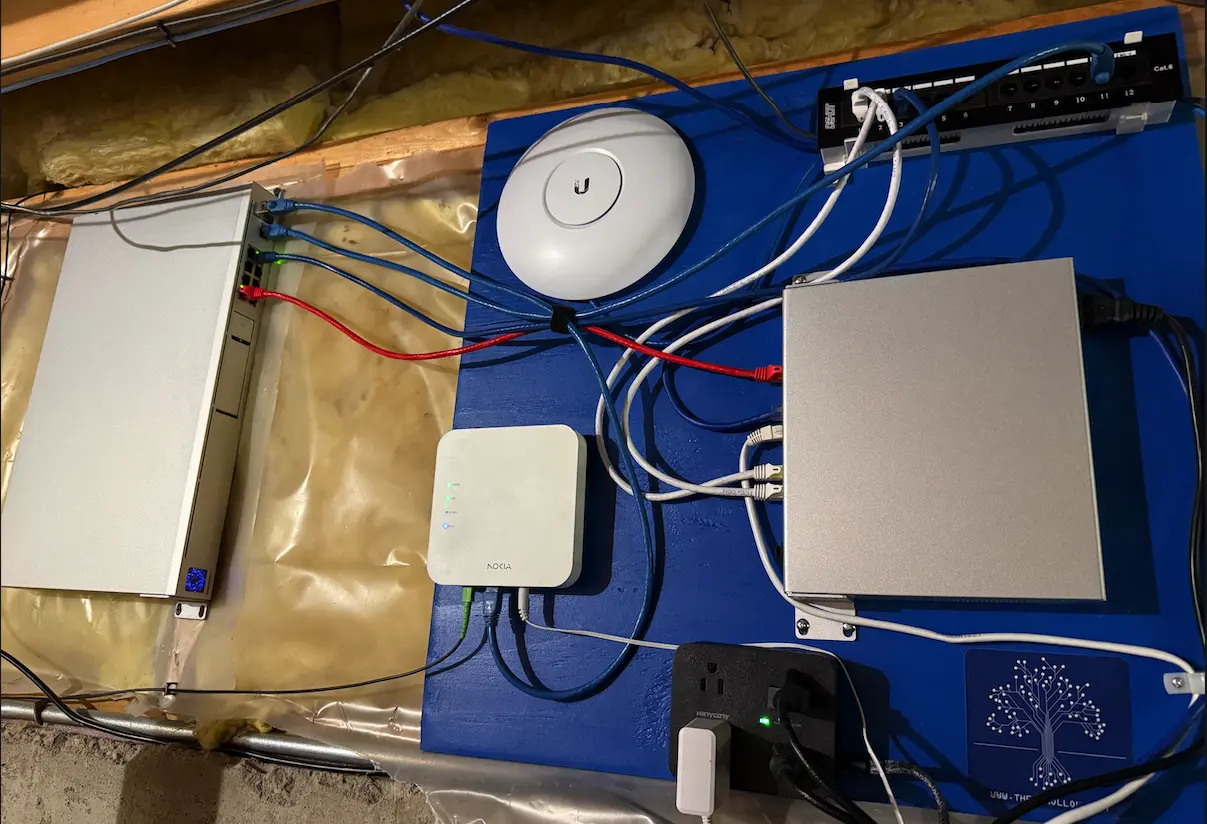
I also got an HP v1910 24 port Gigabit switch many years ago and it’s still humming along as my core switch. Jason Langer gifted me a Netgear 10GBE switch that I continue to use for my storage network and migration traffic network.
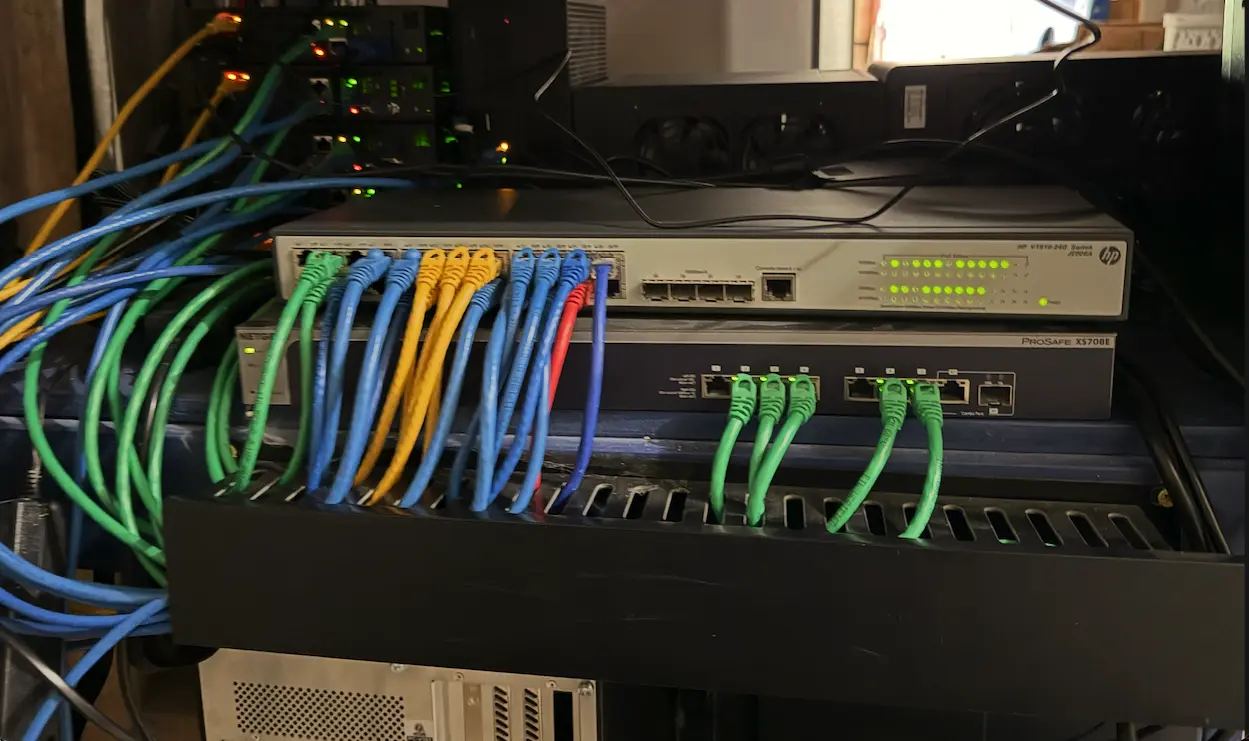
Sometimes during my career I’ve used this network for things like vMotion traffic when I worked on vSphere stuff, and later as a storage network when I worked for Portworx. Now it’s a migration network used for live migration with OpenShift Virtualization, and as a storage network for replicating ODF data between nodes.
Networking gear:
- Core Switch: HP v1910-24G Ethernet Switch
- Wireless Switch: Ubiquiti UniFi 8 POE-150W
- Storage Switch: Netgear XS708E 10 Gigabit
- Firewall/Router: Ubiquiti Dream Machine Pro
- Wireless: Ubiquiti Unifi AP Pro
Platform
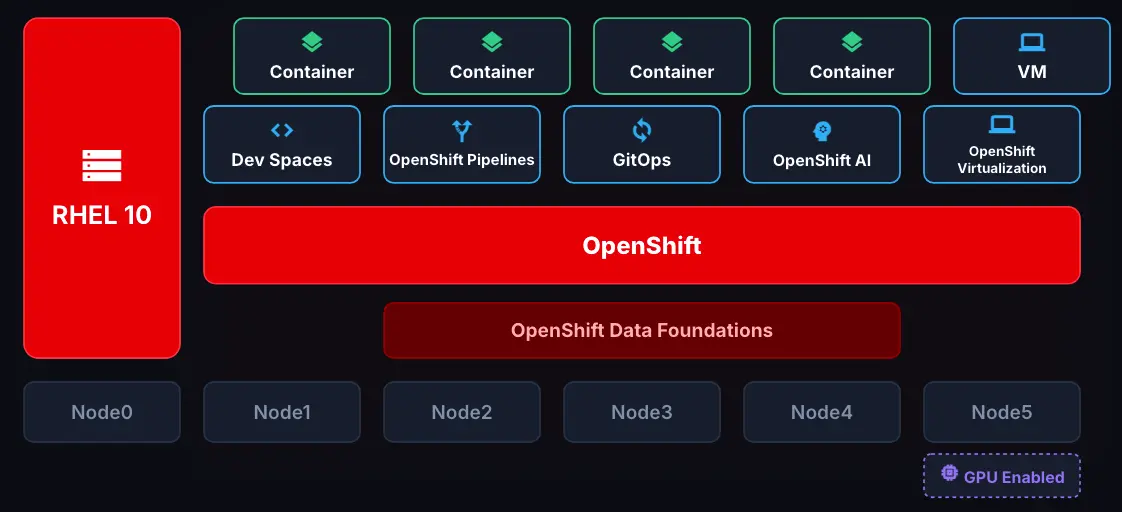
Ultimately all that cool hardware with the blinking lights and whirring fans is there to run my test workloads. For my job I focus two primary platforms and my lab is setup to mirror this.
-
Node0- This is a RHEL 10 server I’m using for management purposes. Sometime I need a RHEL server to try things out on, but I also can install things like Ansible on this host to do some automation work. -
Node1- This is a single Control Plane Node for a Red Hat OpenShift Cluster. Single control plane means no availability but I’m ok taking an outage for things like upgrades or a potential hardware failure. -
Node2 through Node4- Worker nodes for the OpenShift cluster. These nodes are also running the ODF cluster for persistent storage. -
Node5- Also a worker node in my OpenShift cluster but primarily used for OpenShift AI workloads.
Beyond the hardware, OpenShift and Red Hat Linux are the stable platforms I use to build things. Follow along on my series to learn more about how the platform can be used to solve real problems.